How to view your CCTV on your phone
A plain guide to watching Hikvision and Dahua cameras on your phone with Hik-Connect and DMSS, plus fixes for the most common connection problems.
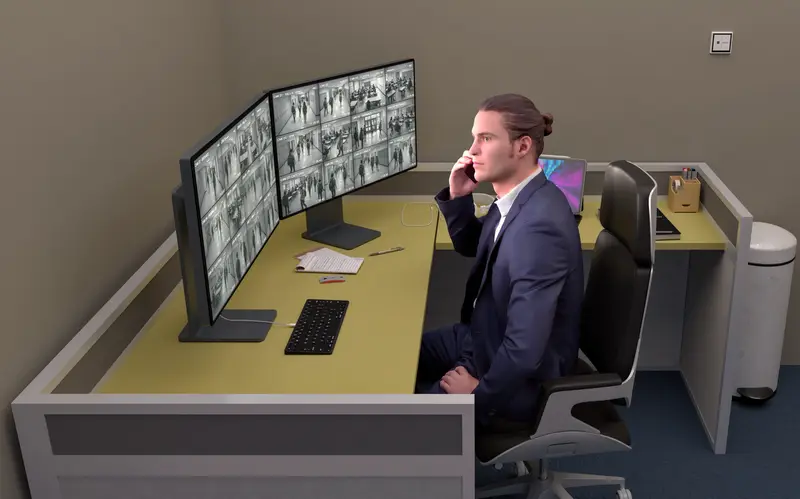
Watching your cameras on your phone is the feature people use most. Here is how it works and what to do when it stops.
Which app?
- Hikvision recorders and cameras use Hik-Connect.
- Dahua uses DMSS.
- EZVIZ and Imou WiFi cameras use their own apps of the same name.
How it connects
Your recorder connects to your home internet router. The app talks to the manufacturer’s cloud service, which links your phone to the recorder securely. You don’t need a static IP or port forwarding.
Setting it up
- Connect the recorder to your router with a network cable.
- Enable the cloud service (Hik-Connect or P2P) in the recorder’s network menu.
- Scan the QR code from the recorder screen with the app.
- Change the default password and set a verification code.
- Share access with family members from the main account.
We do all of this during installation and show you how to play back and download a clip.
When it stops working
| Symptom | Usual cause | Fix |
|---|---|---|
| Device offline | Router restarted or cable loose | Check the recorder’s network light and router |
| Live view loads but playback fails | Hard drive full or failed | Check HDD status on the recorder |
| Works on WiFi, not on mobile data | App settings or data saver | Allow the app to use mobile data |
| Very slow video | Weak upload speed | Switch the app to sub-stream (SD) |
Still stuck? Our support line can usually fix it remotely. See also our CCTV service.